Which simulator does it support? +
PanelSight is built for Microsoft Flight Simulator 2024.
Do I need a second PC or special hardware? +
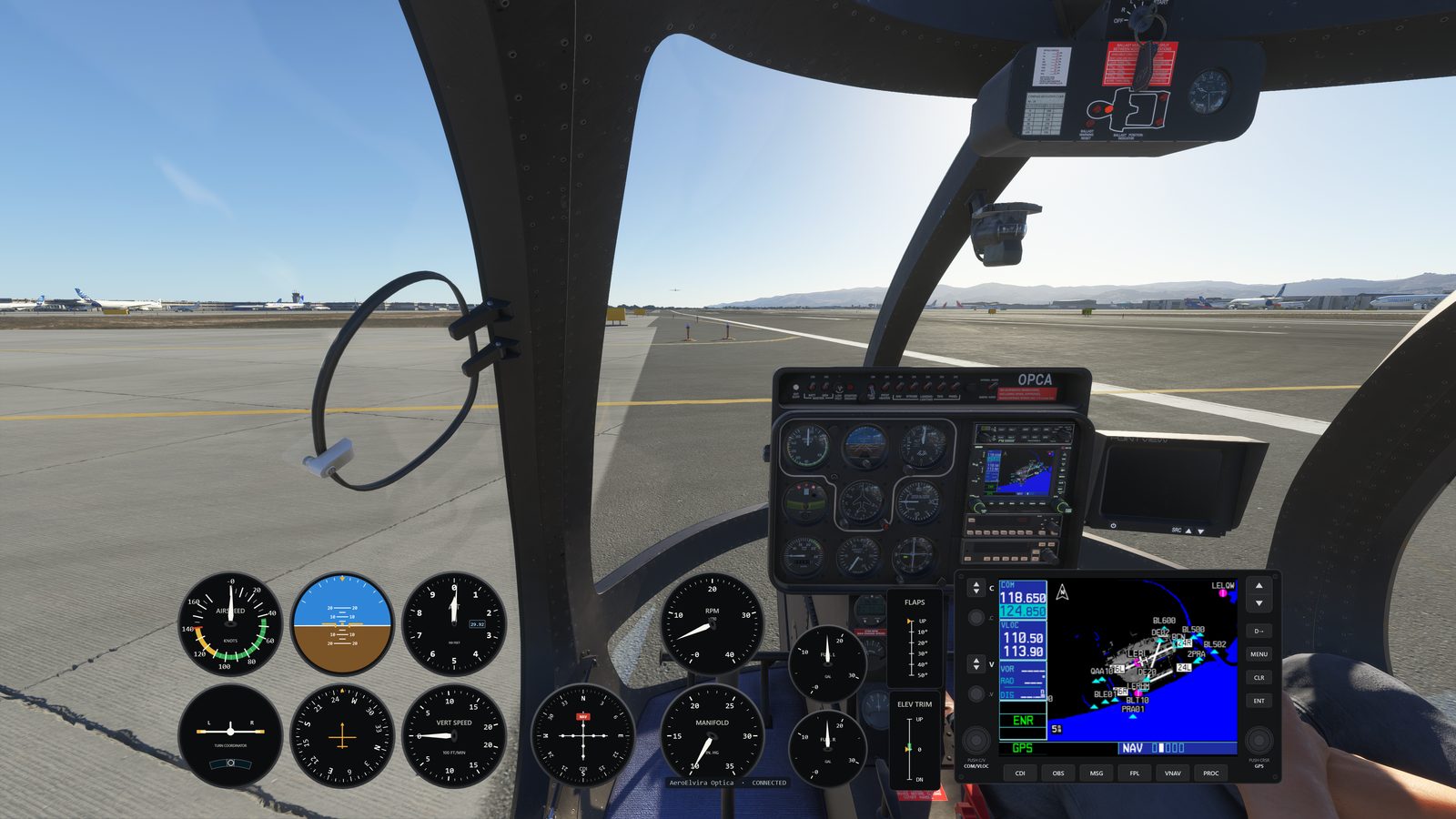
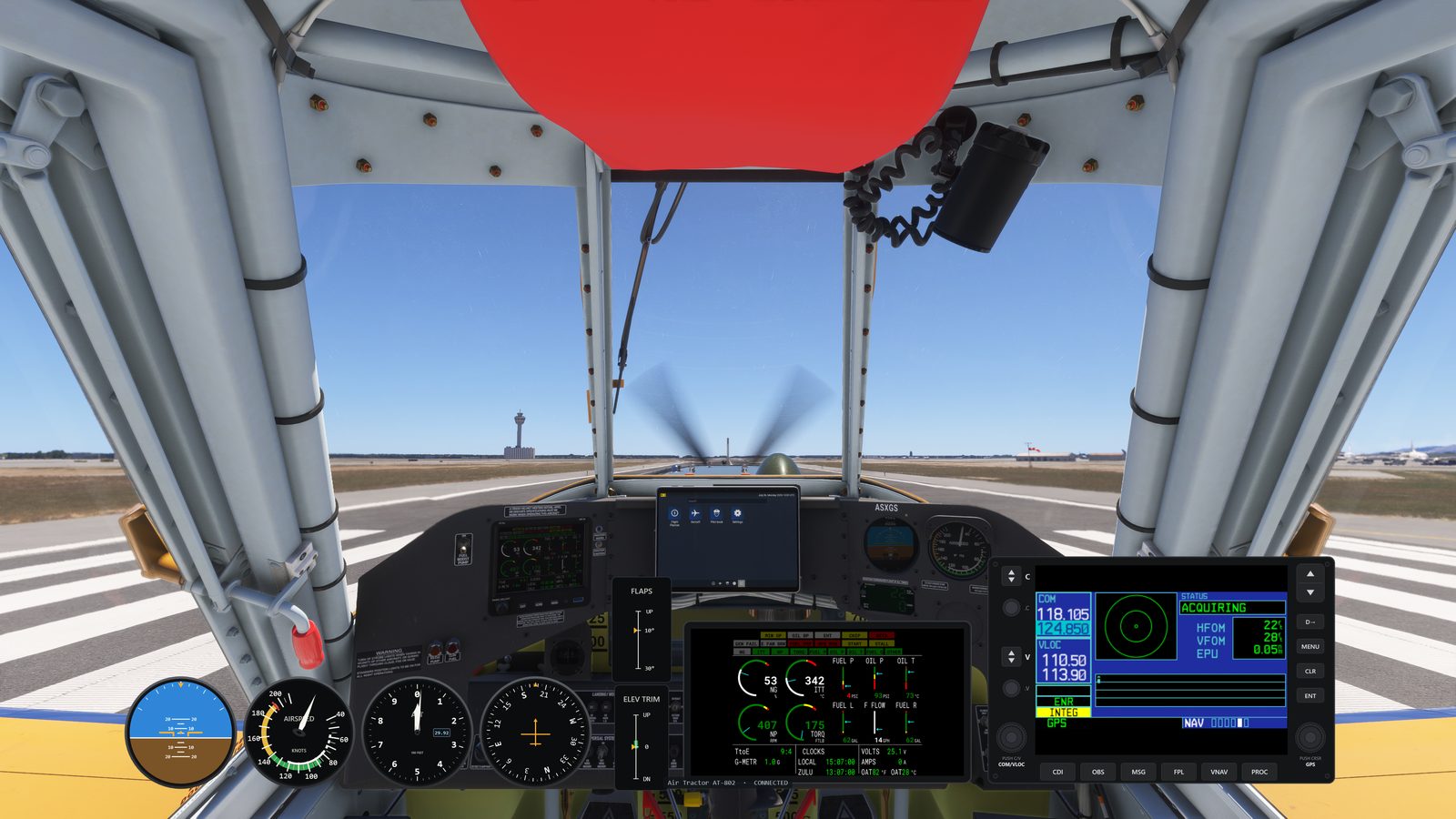
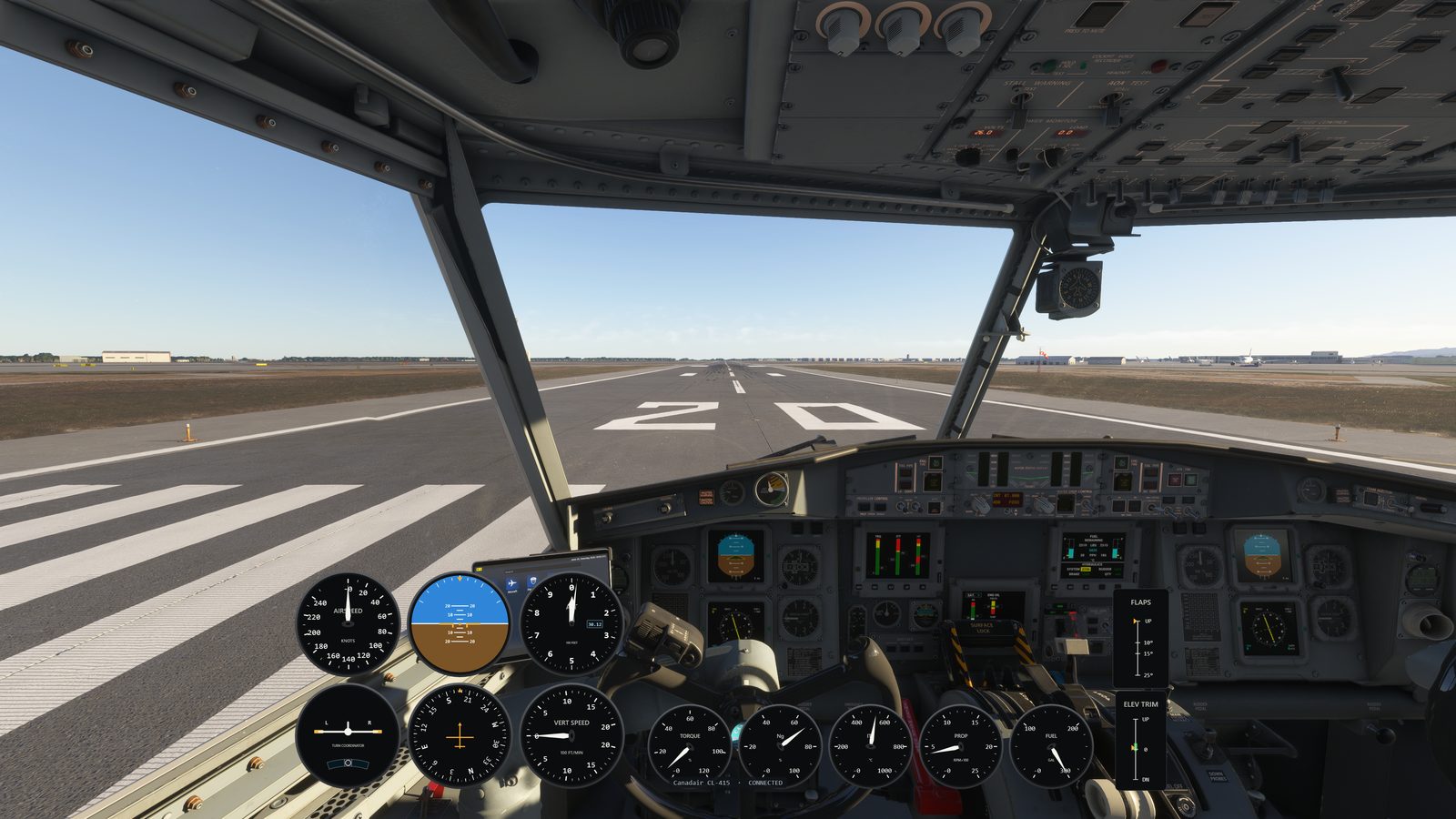
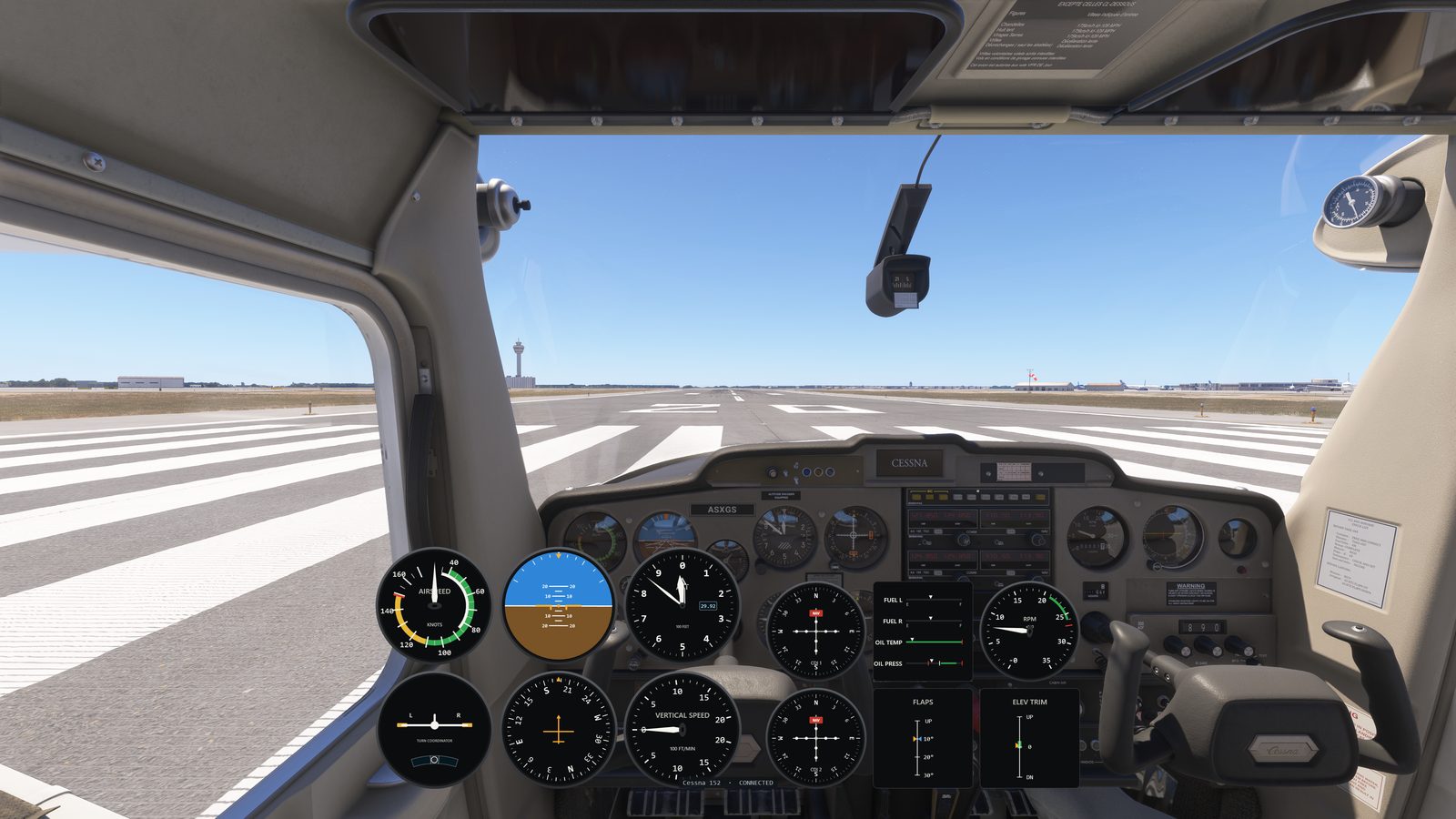
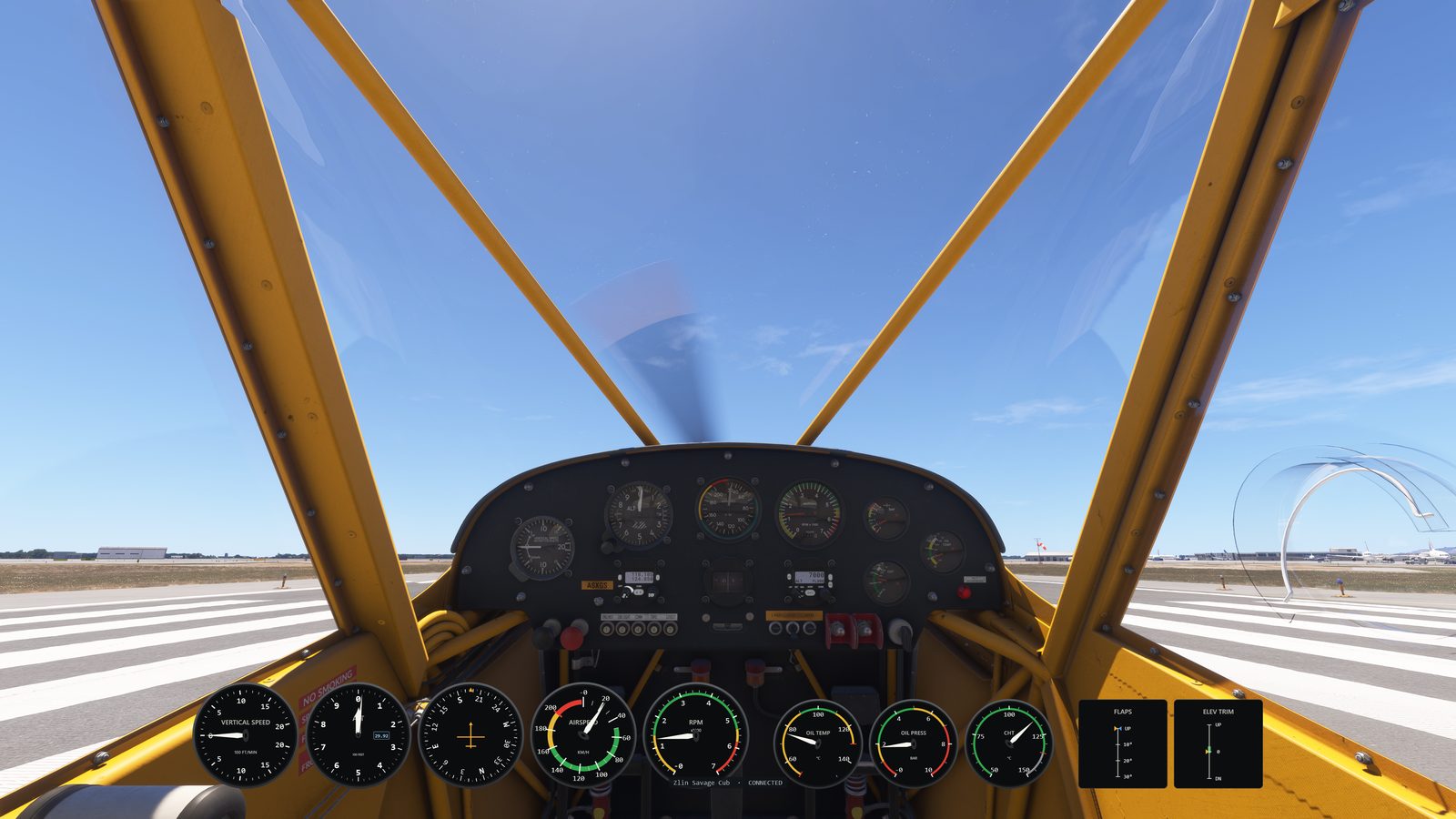
No. PanelSight runs on the same machine as the sim. No second PC, no special hardware. A spare monitor becomes a dedicated touch-friendly panel, and even that is optional: on a single screen, PanelSight pins a lightweight click-through overlay over the sim view instead. Even the rotary knobs
need no add-on hardware: turn them with a finger on a touchscreen, or with the mouse wheel.
How do secondary screens work? +
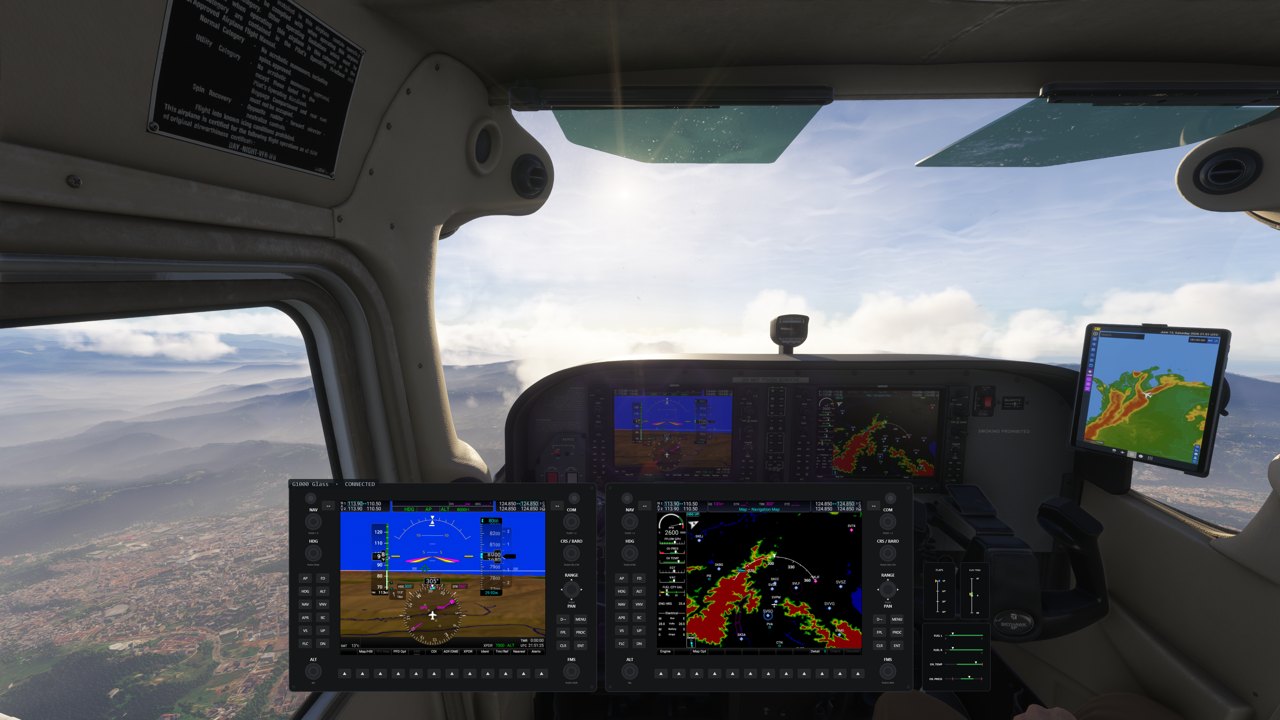
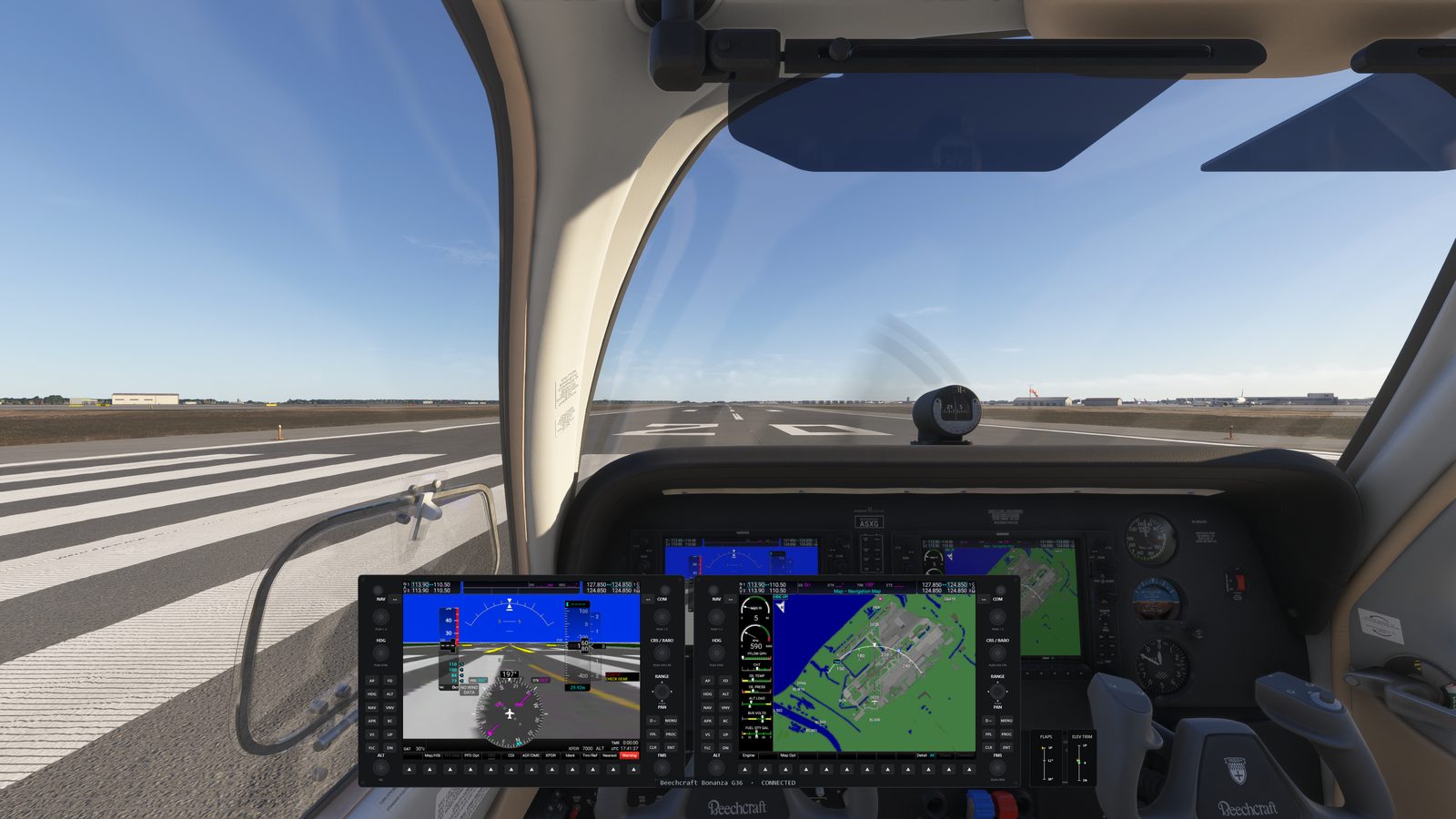
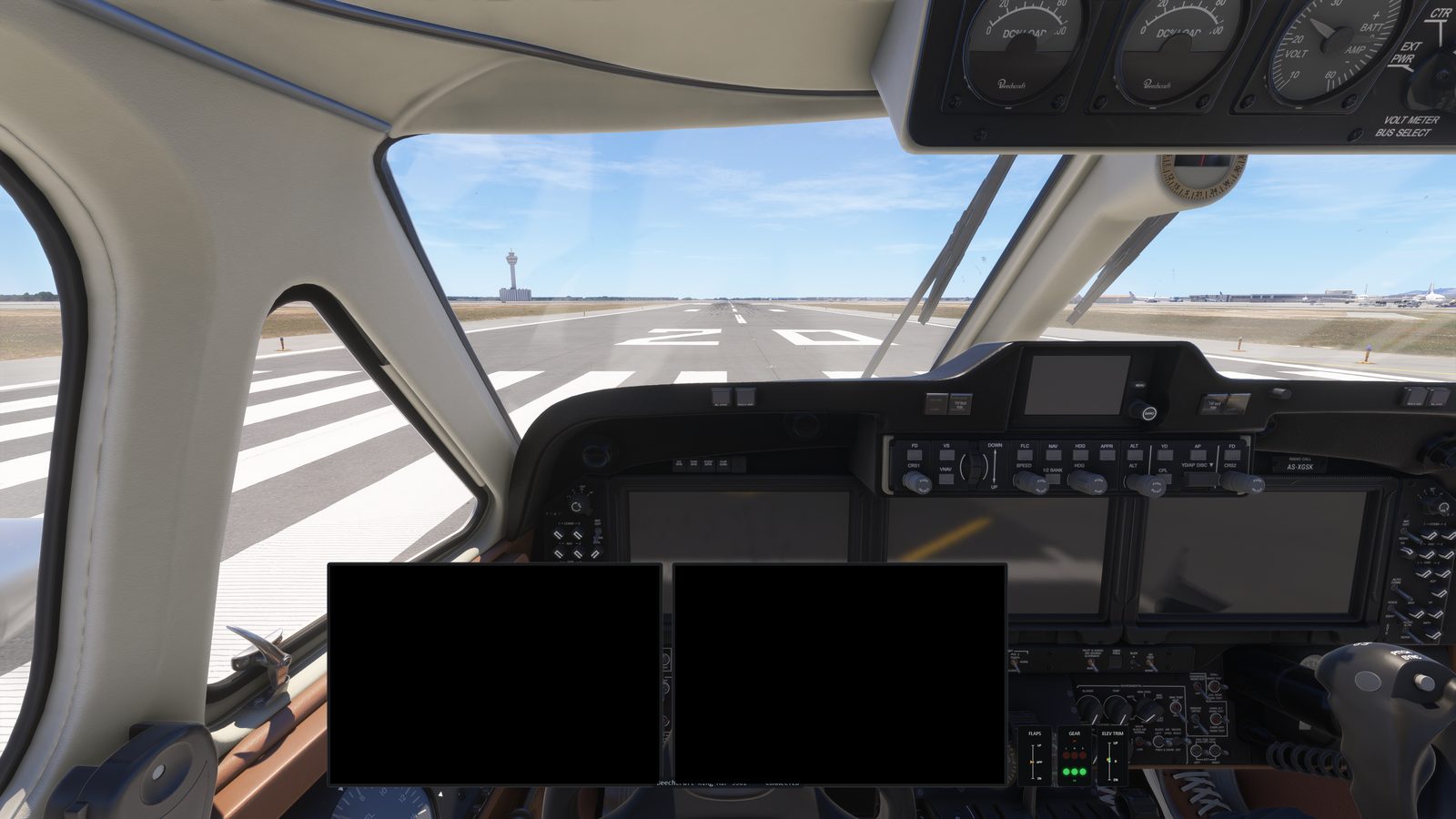
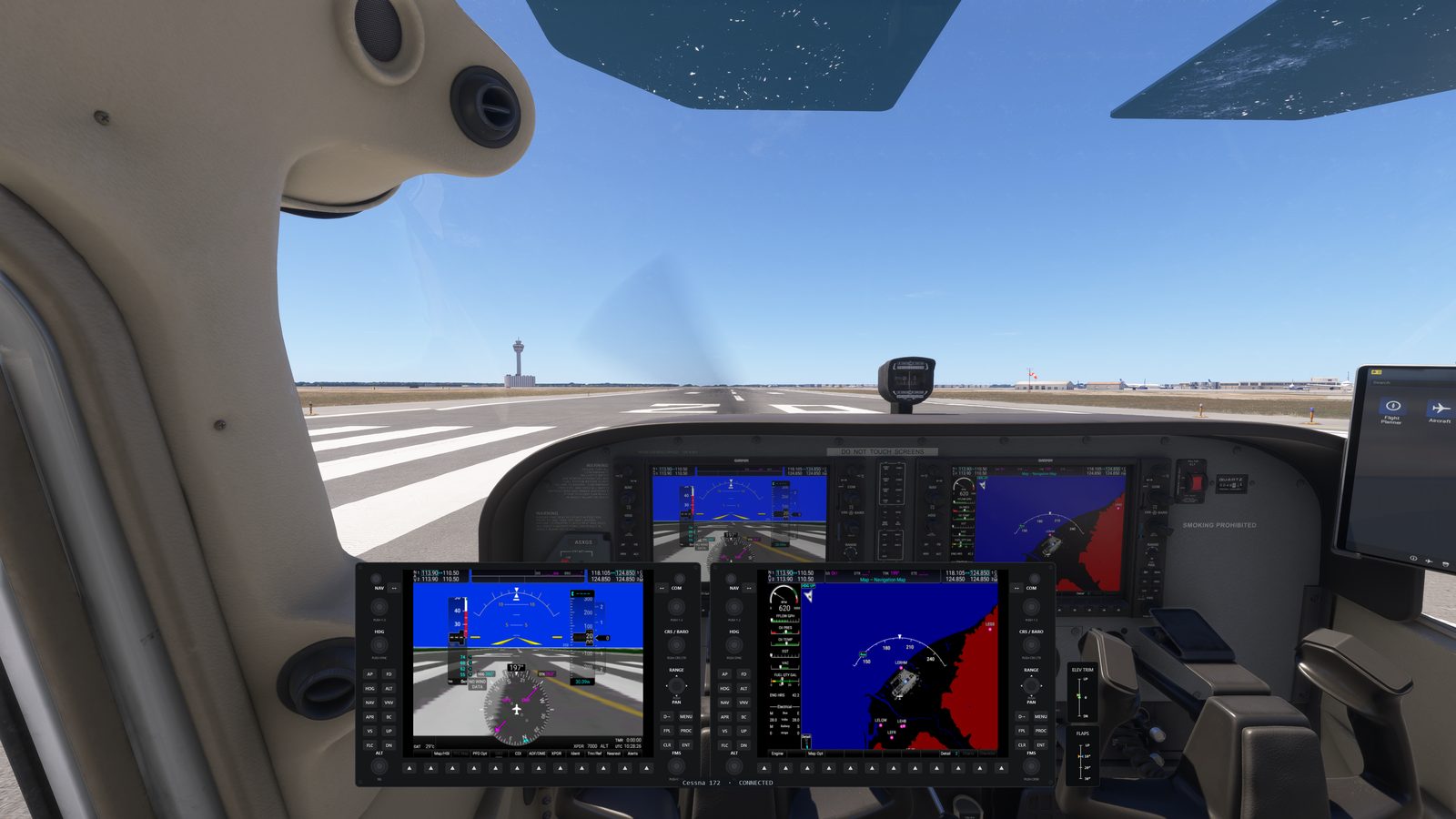
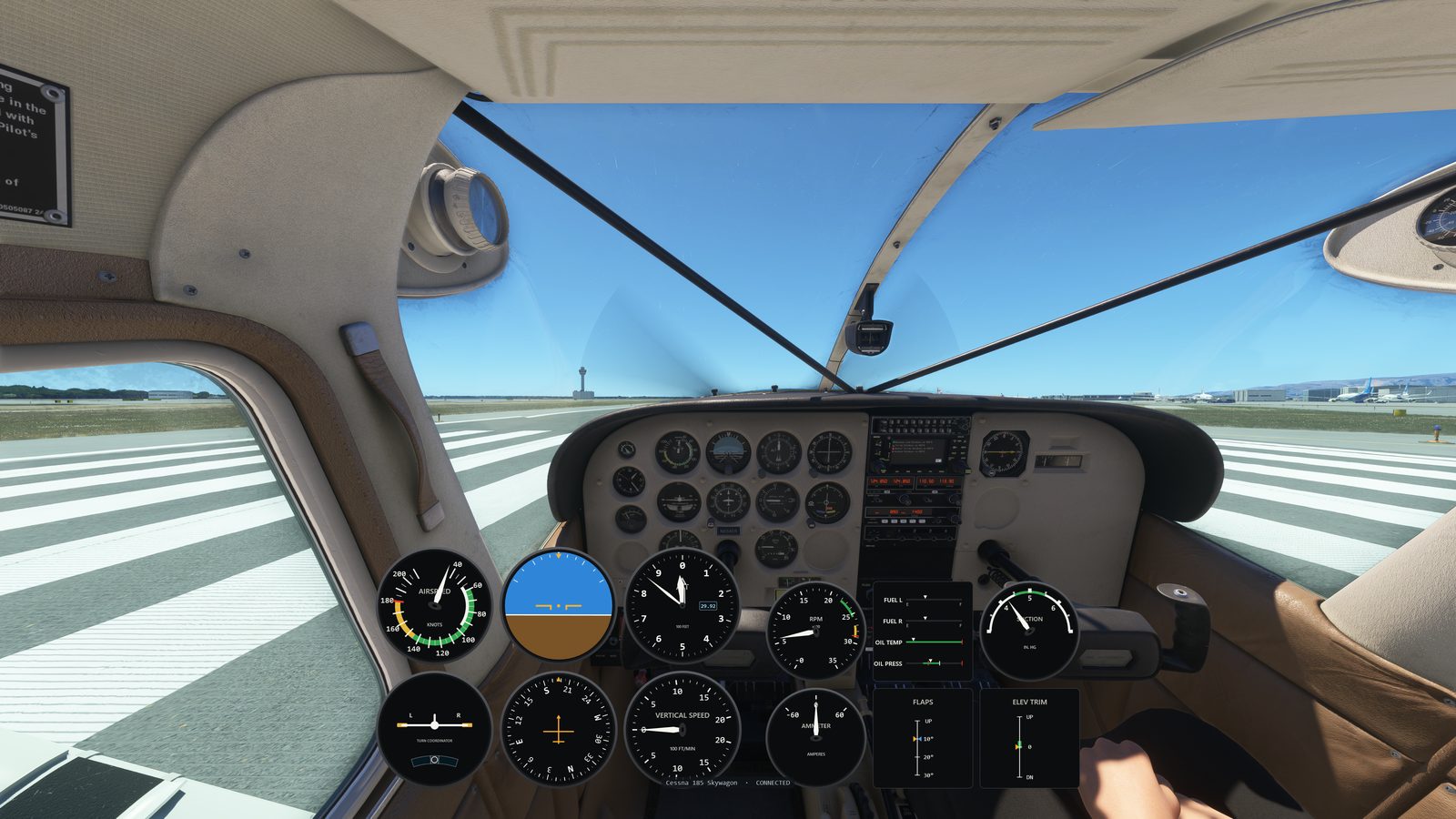
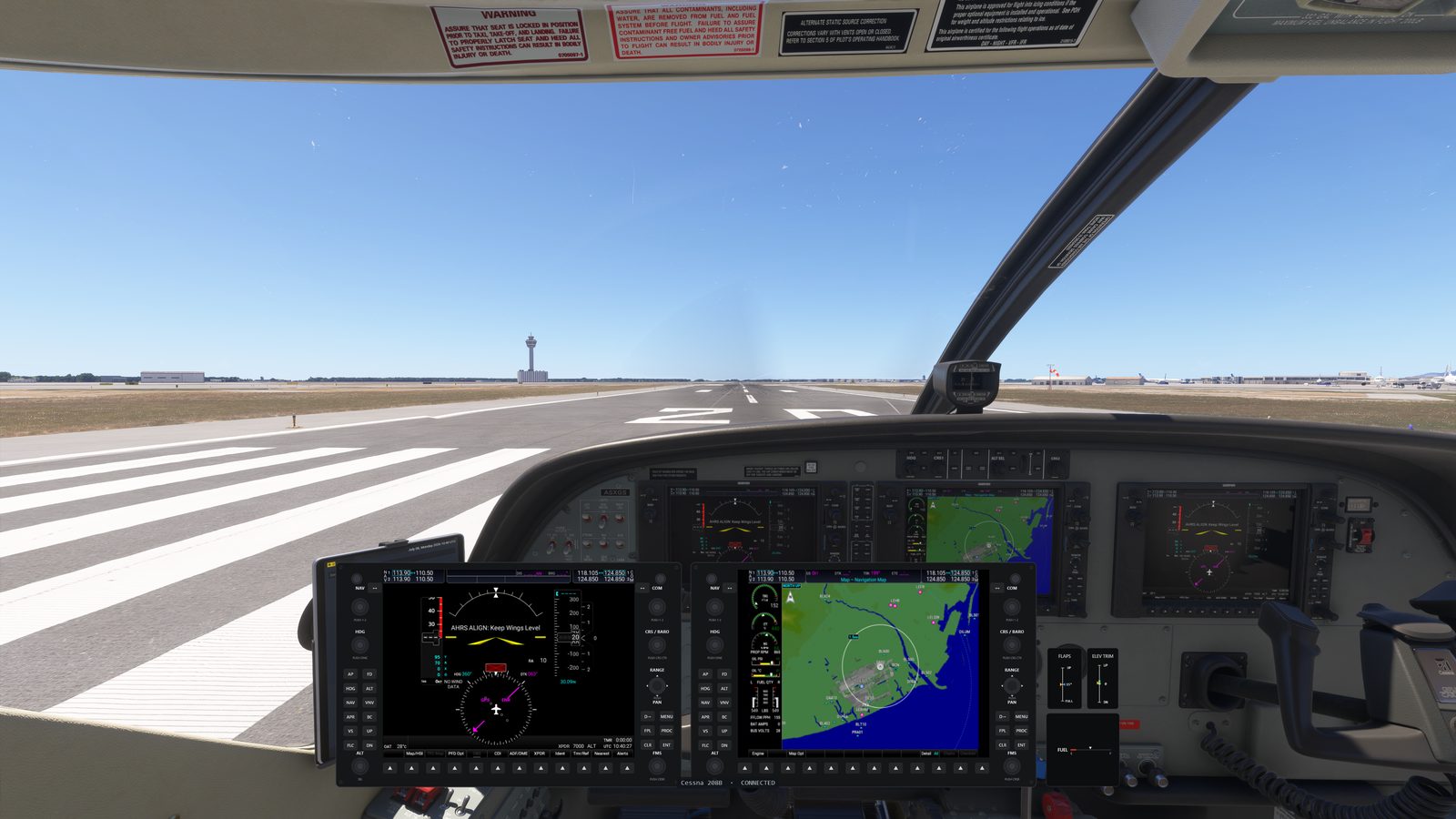
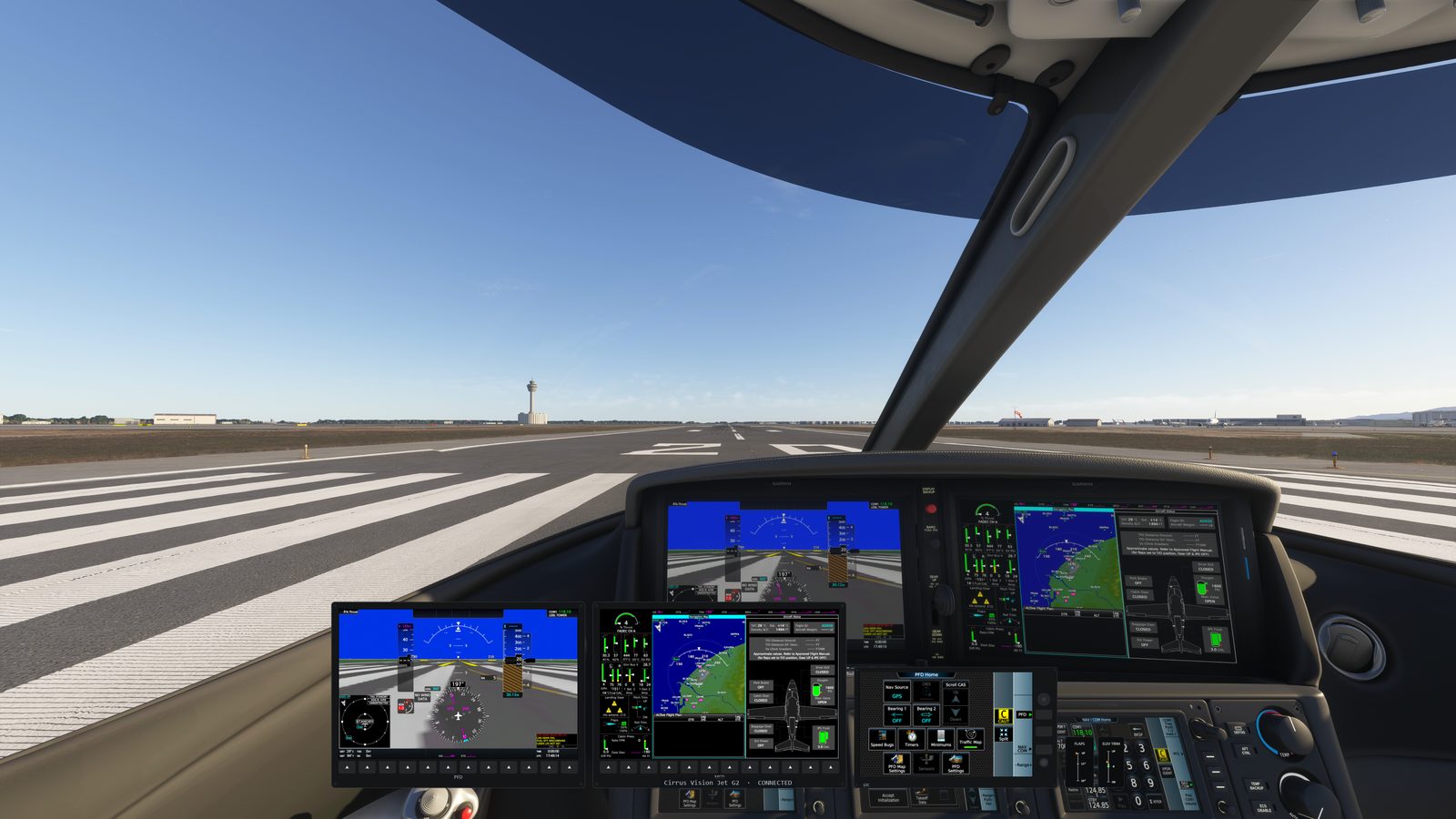
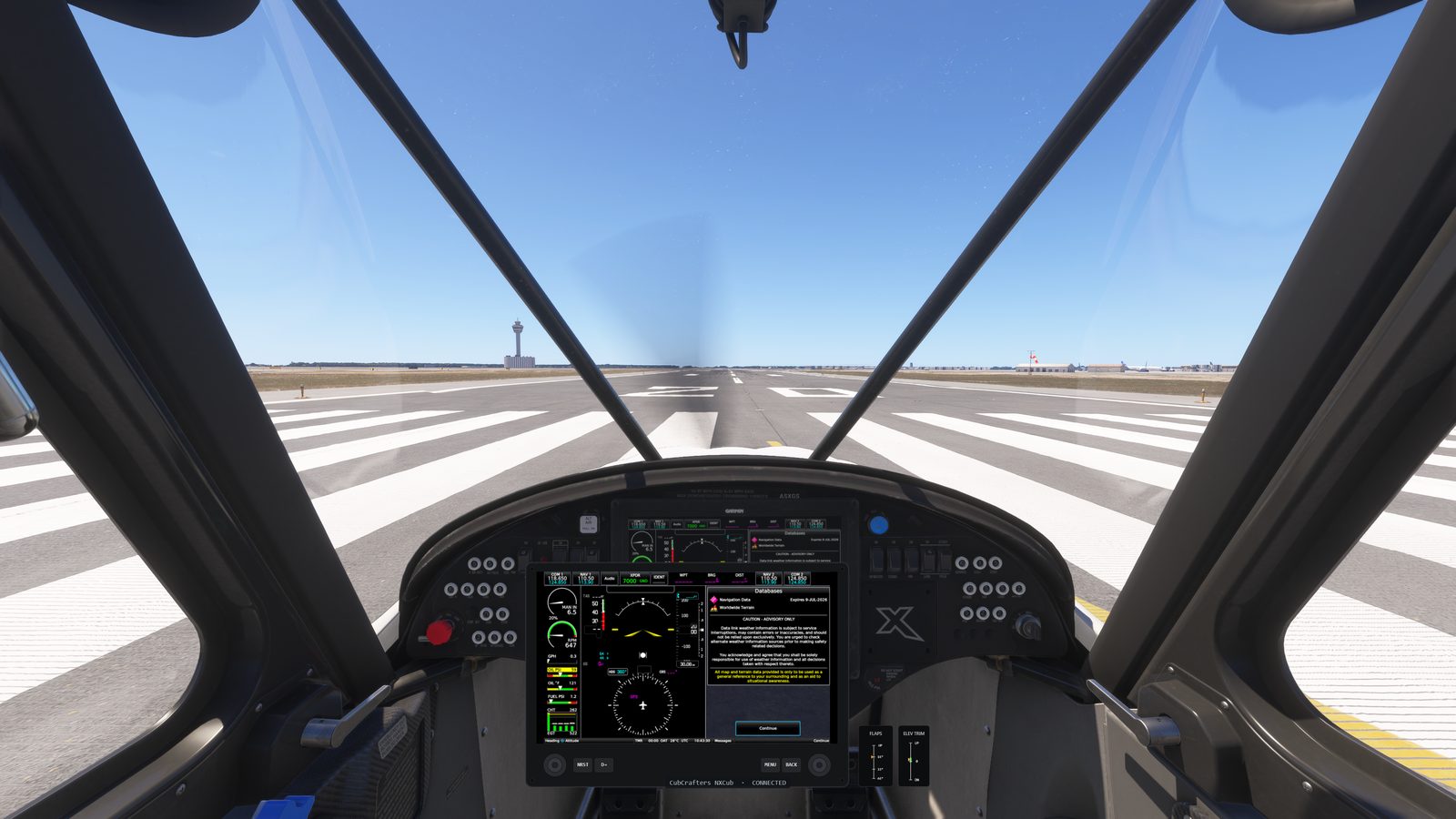
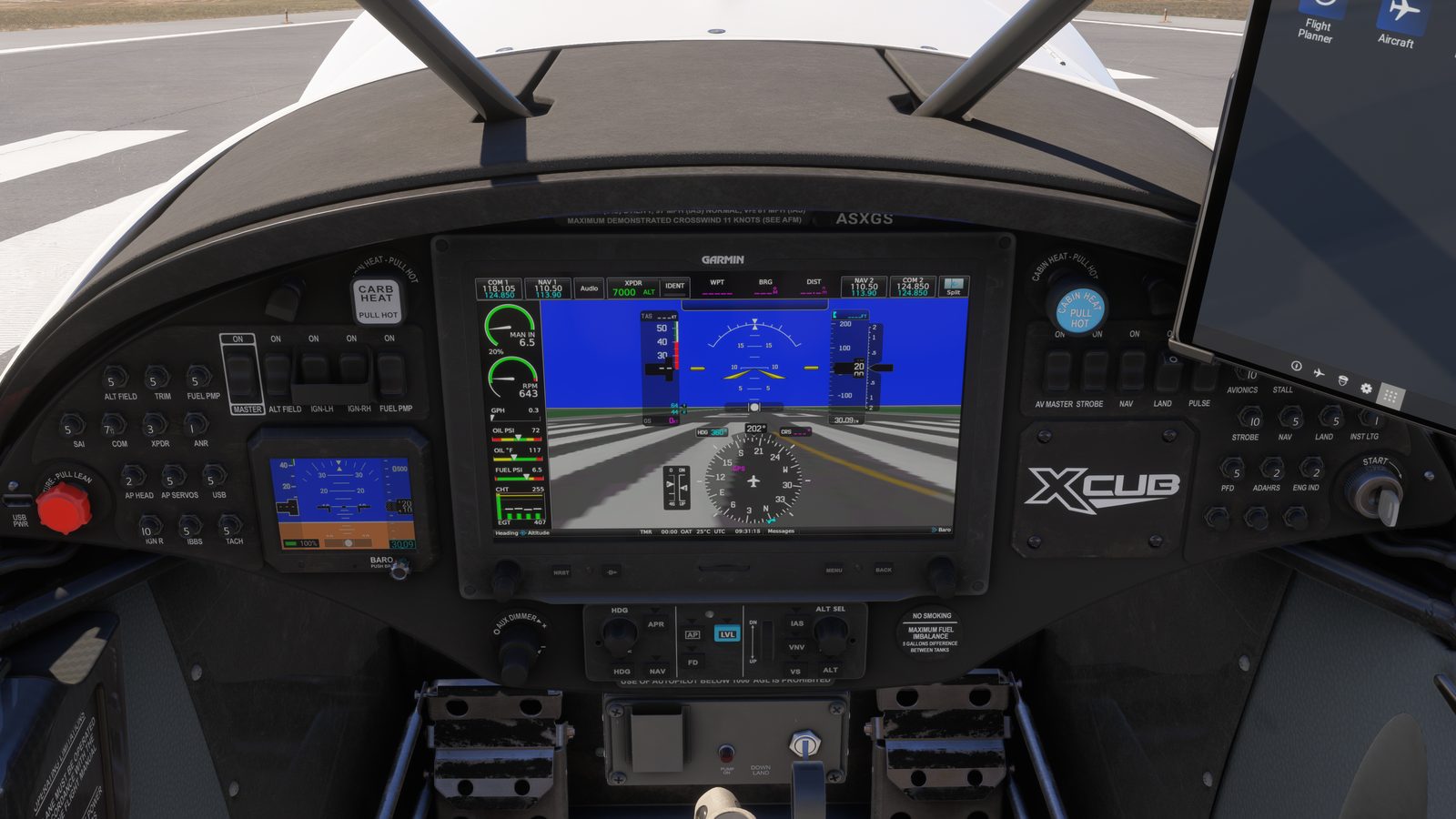
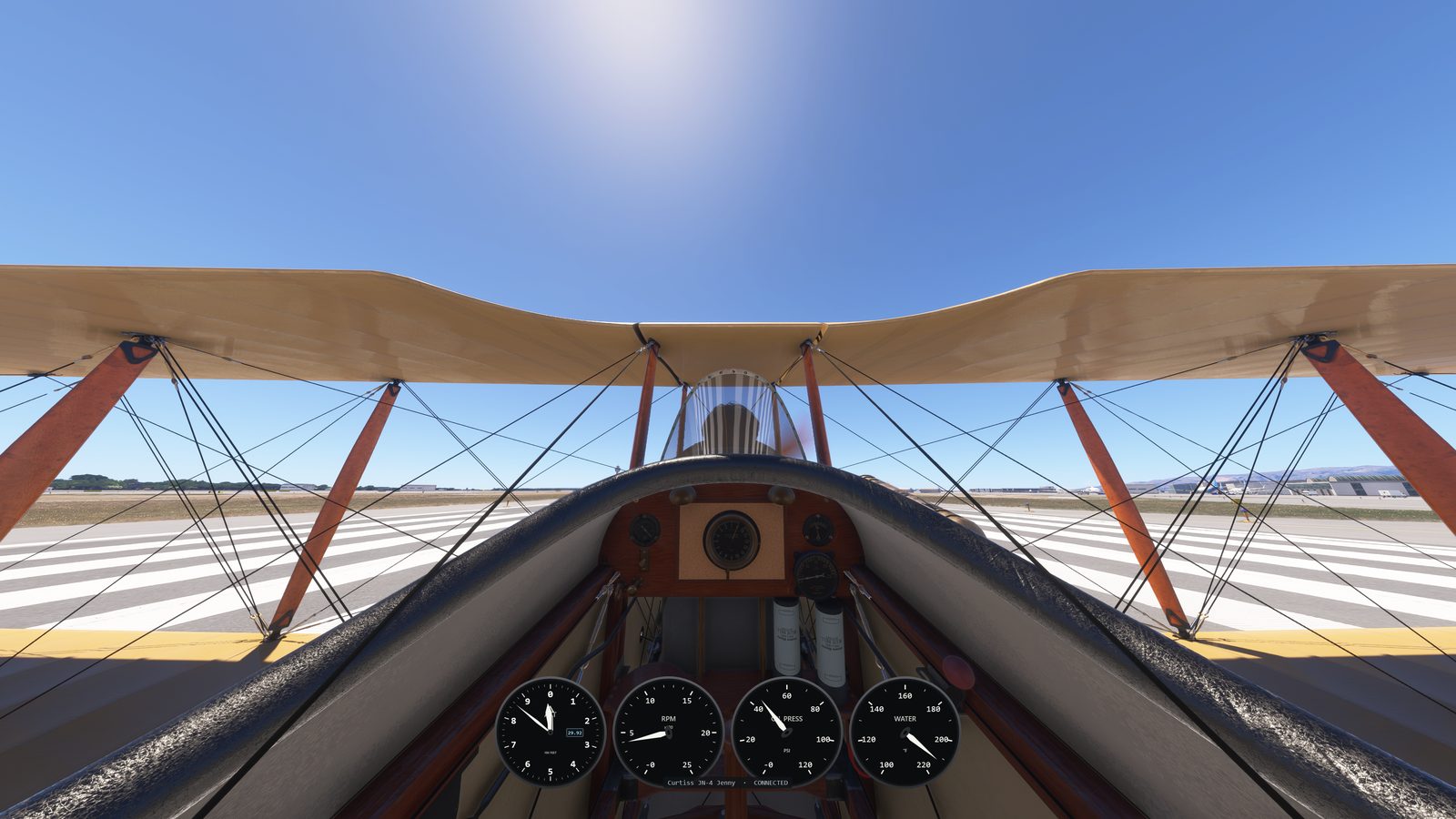
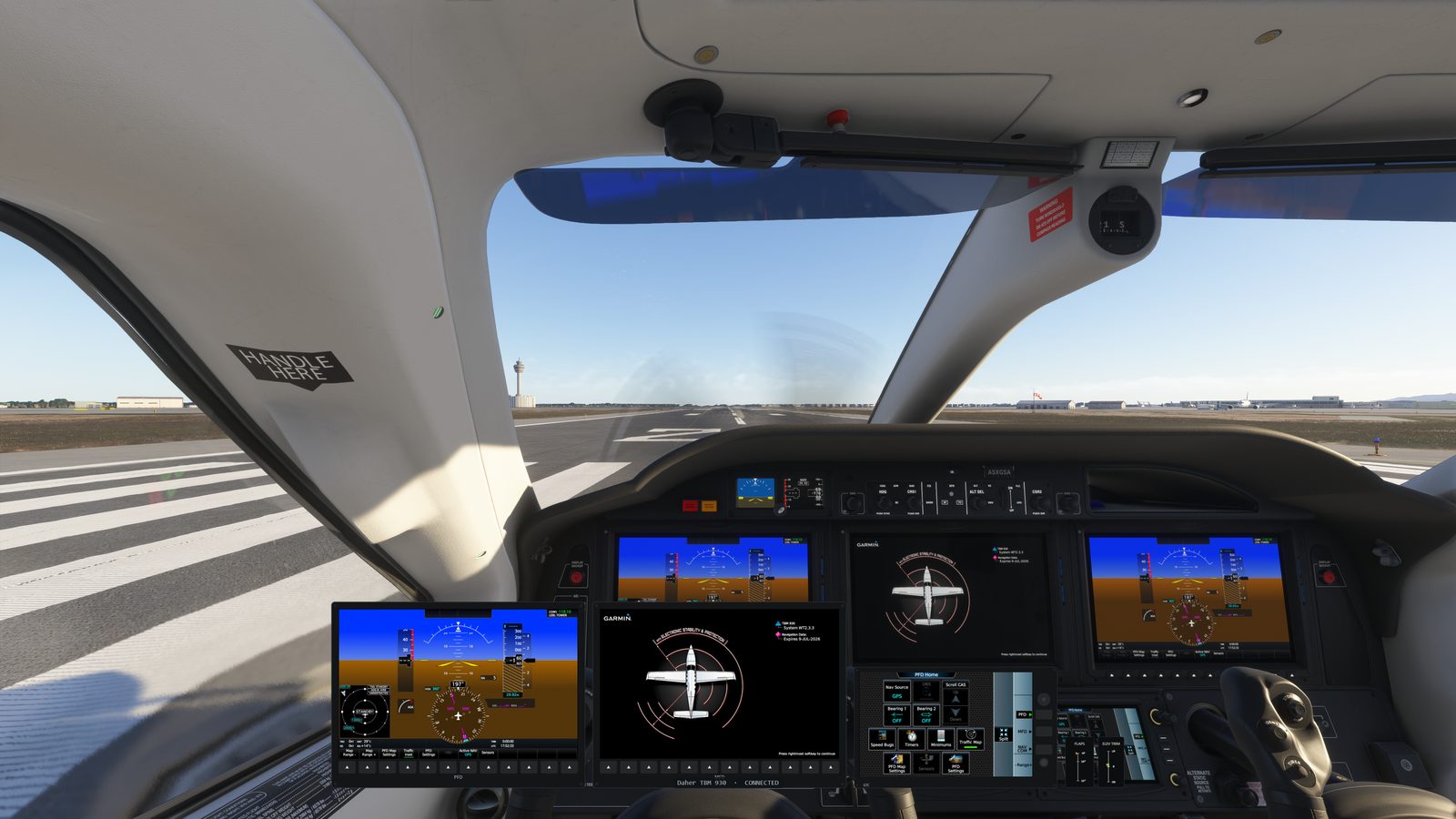
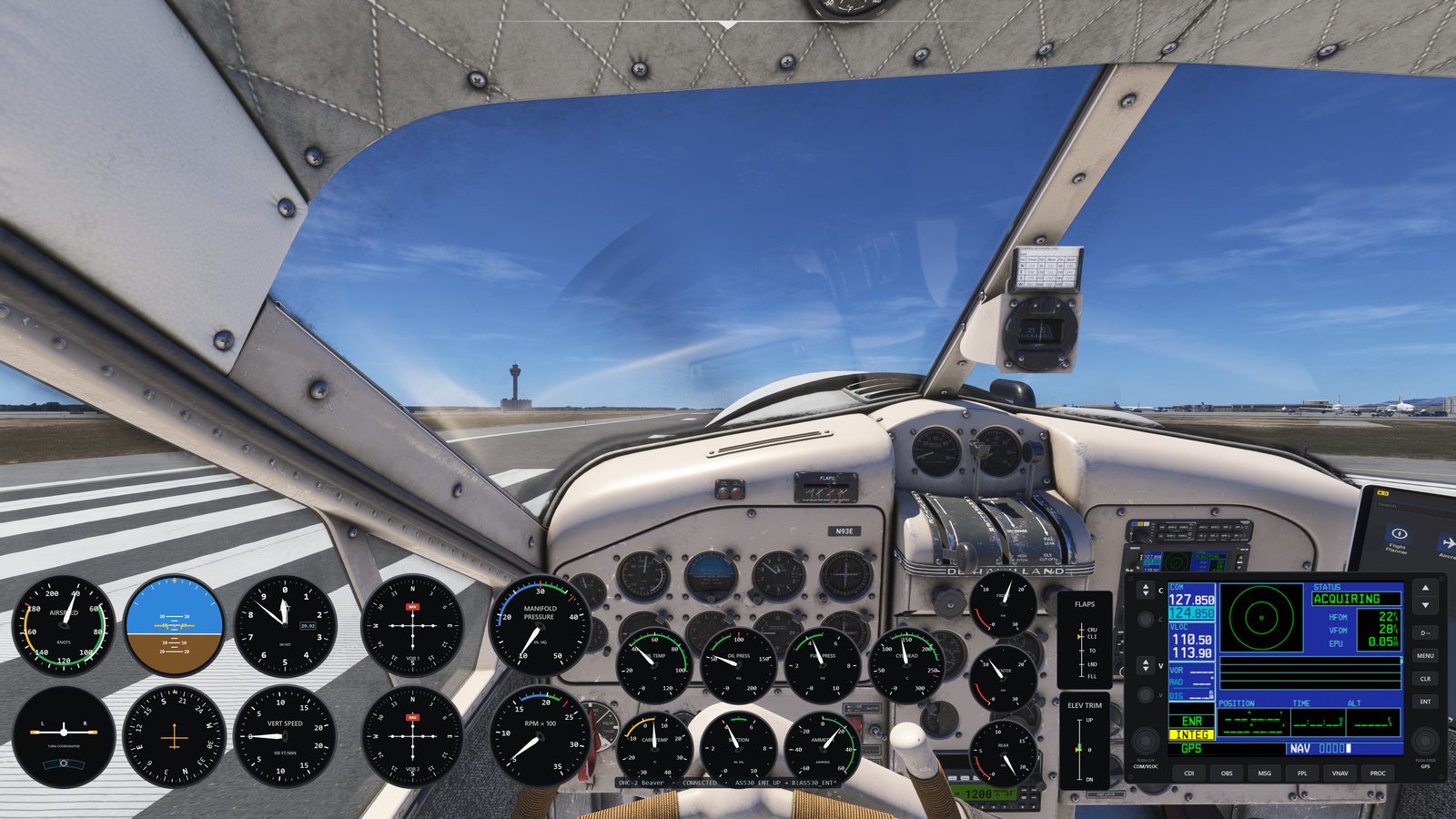
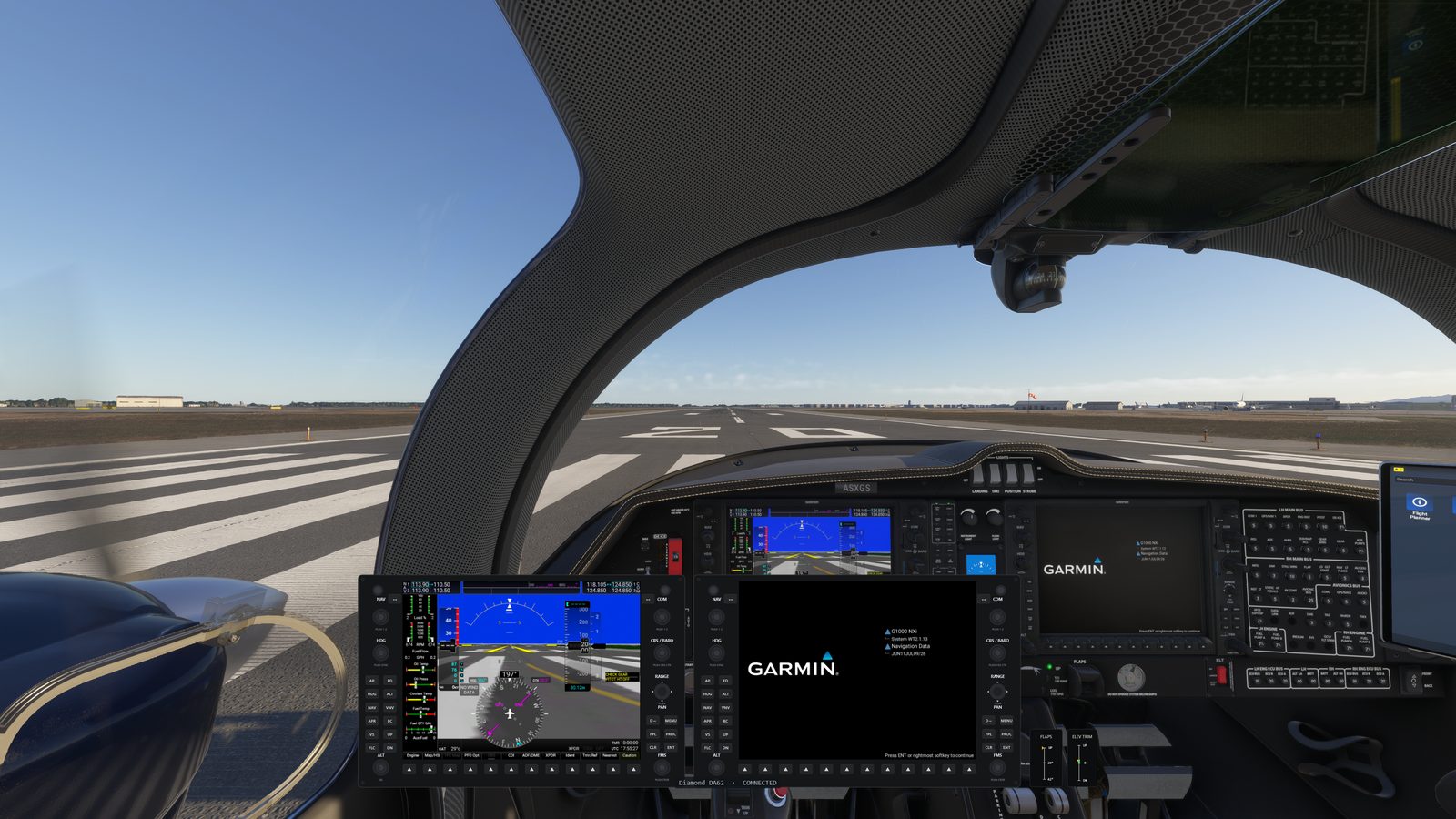
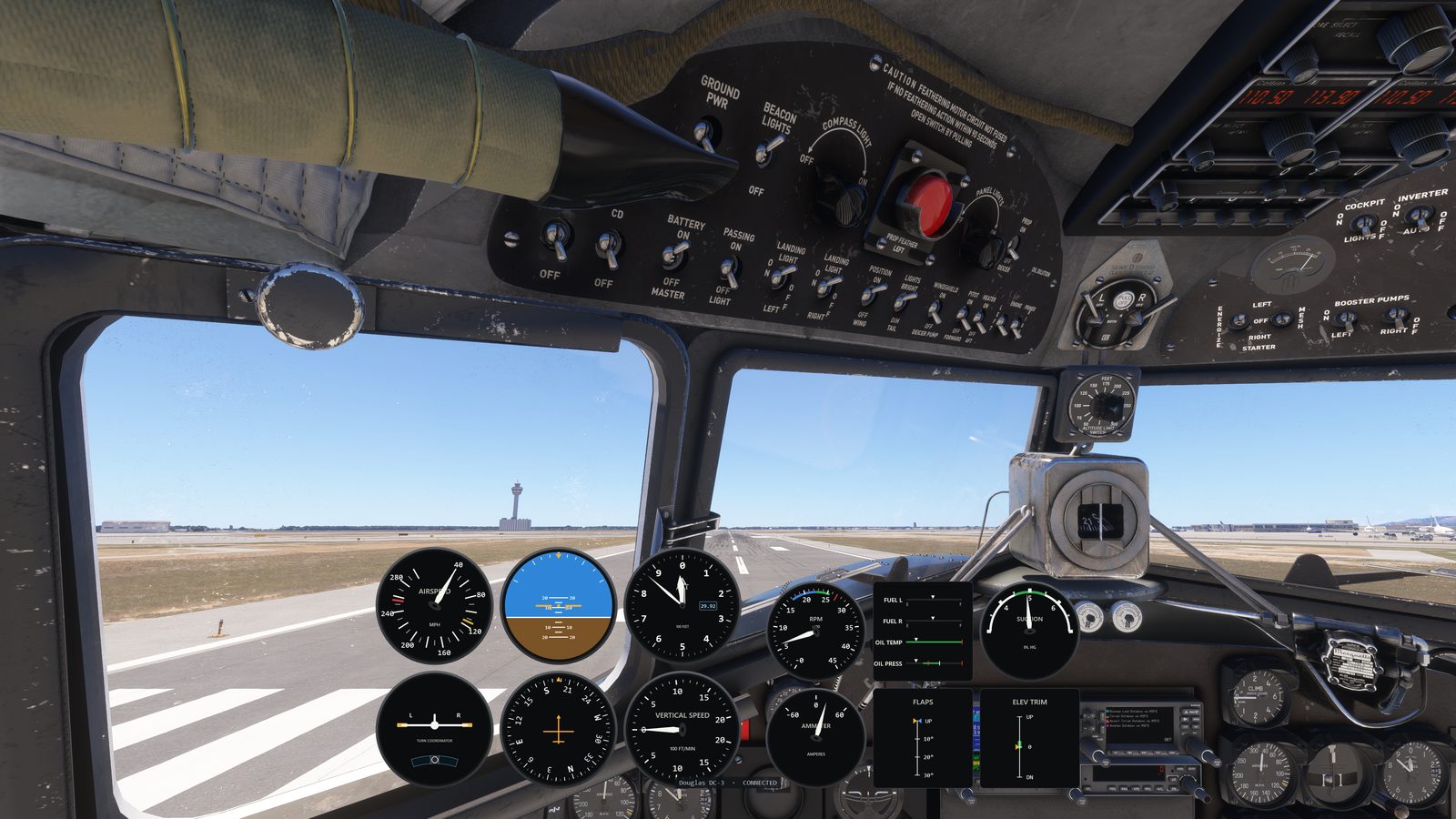
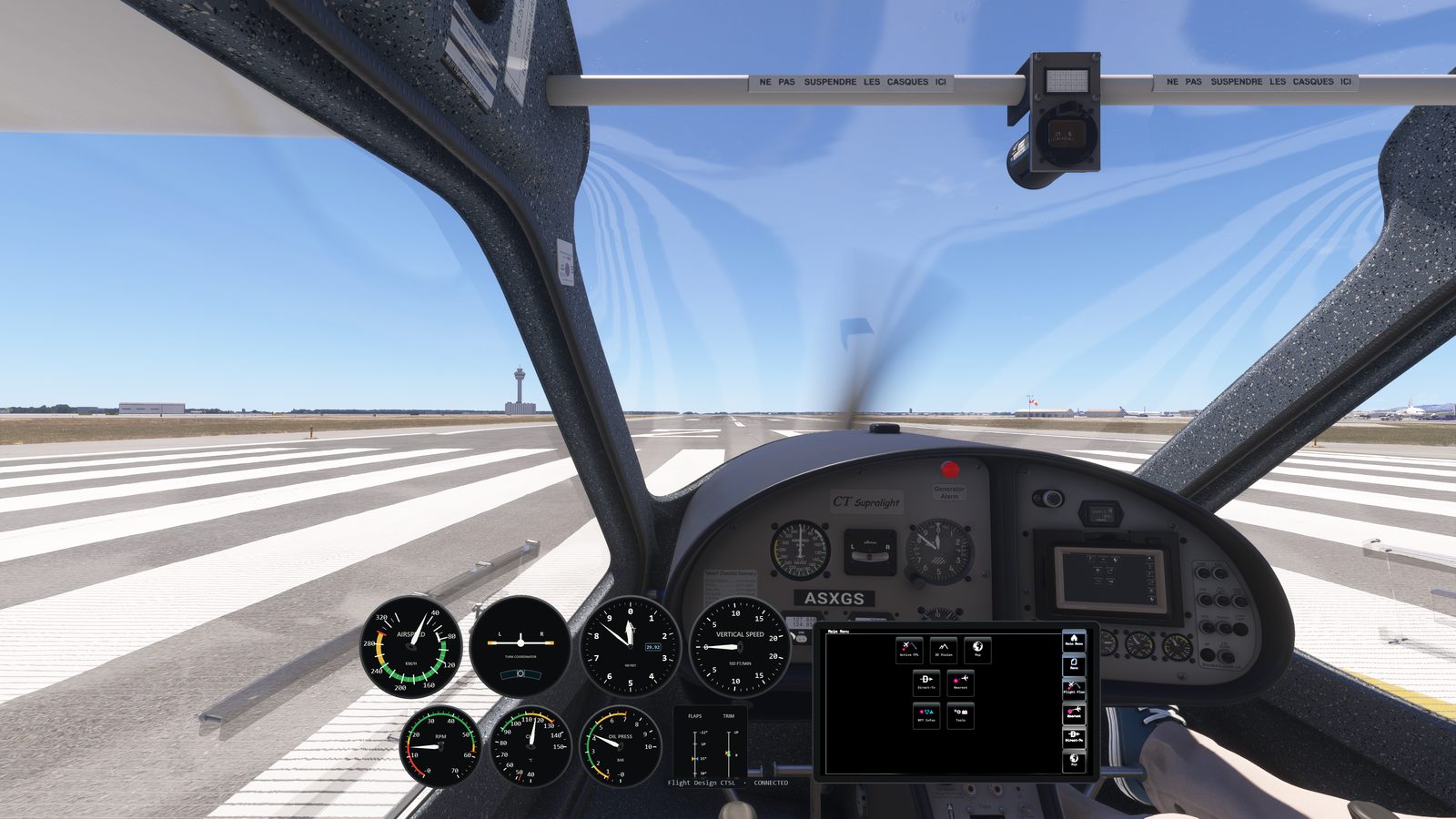
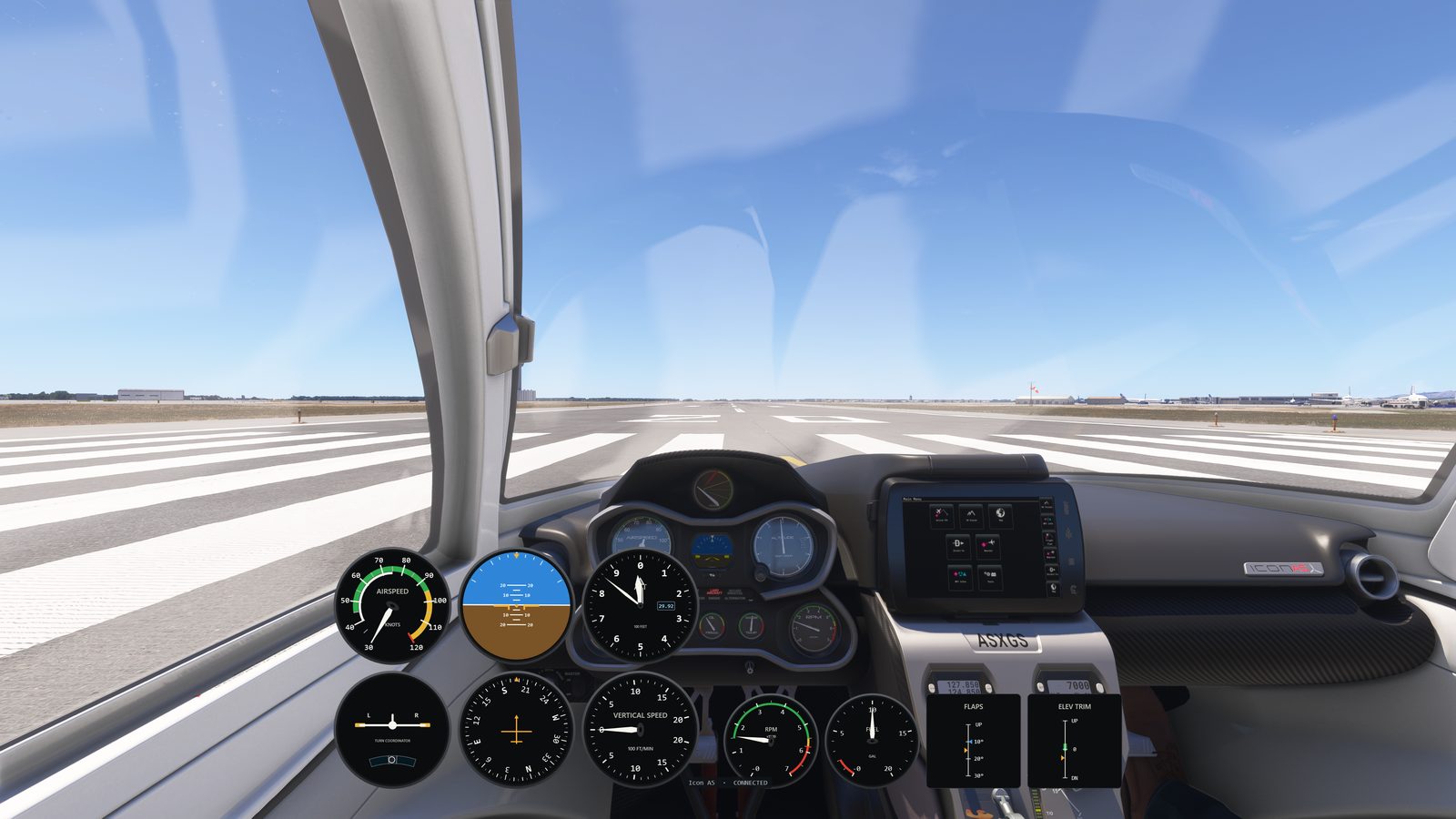
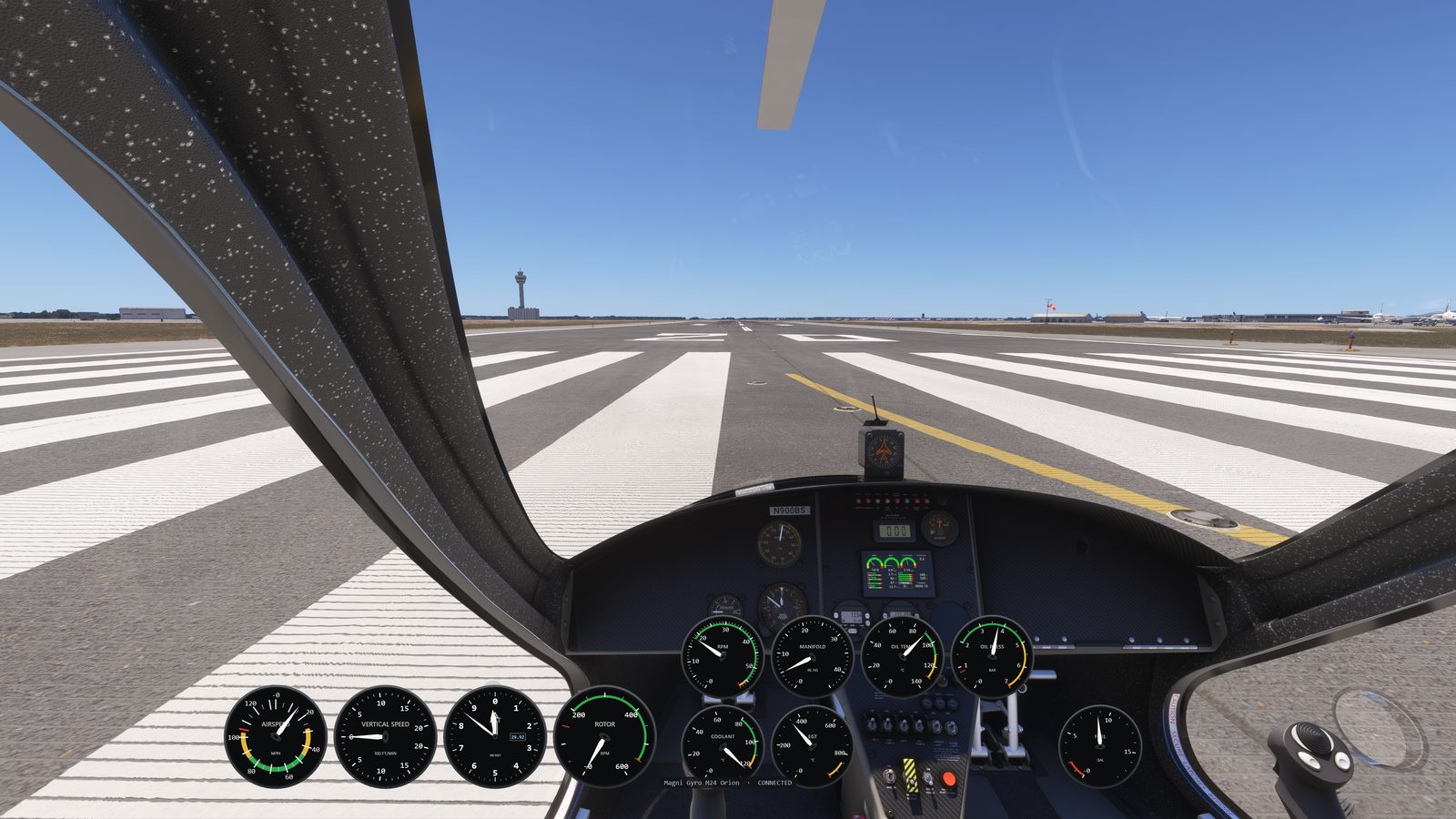
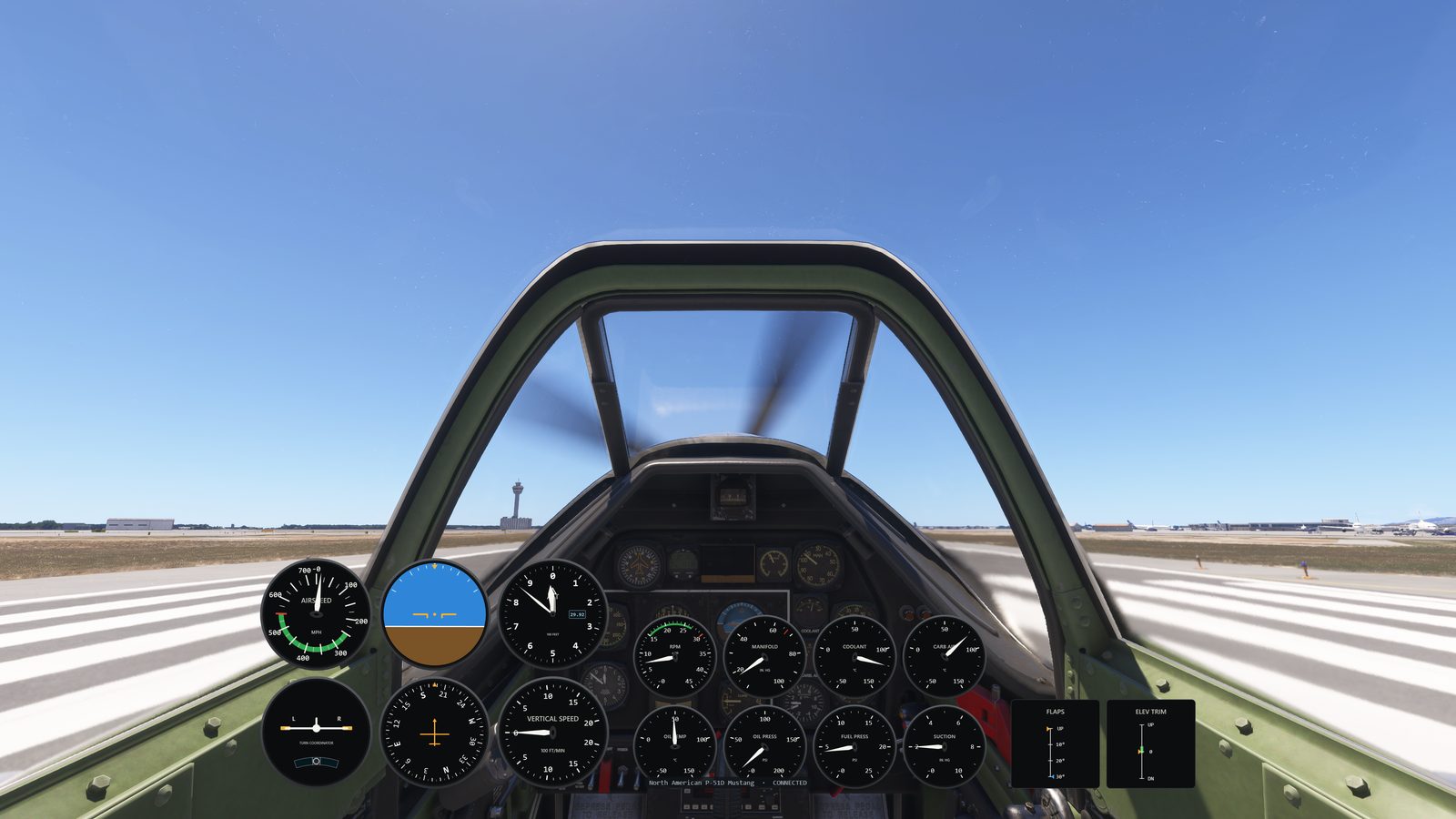
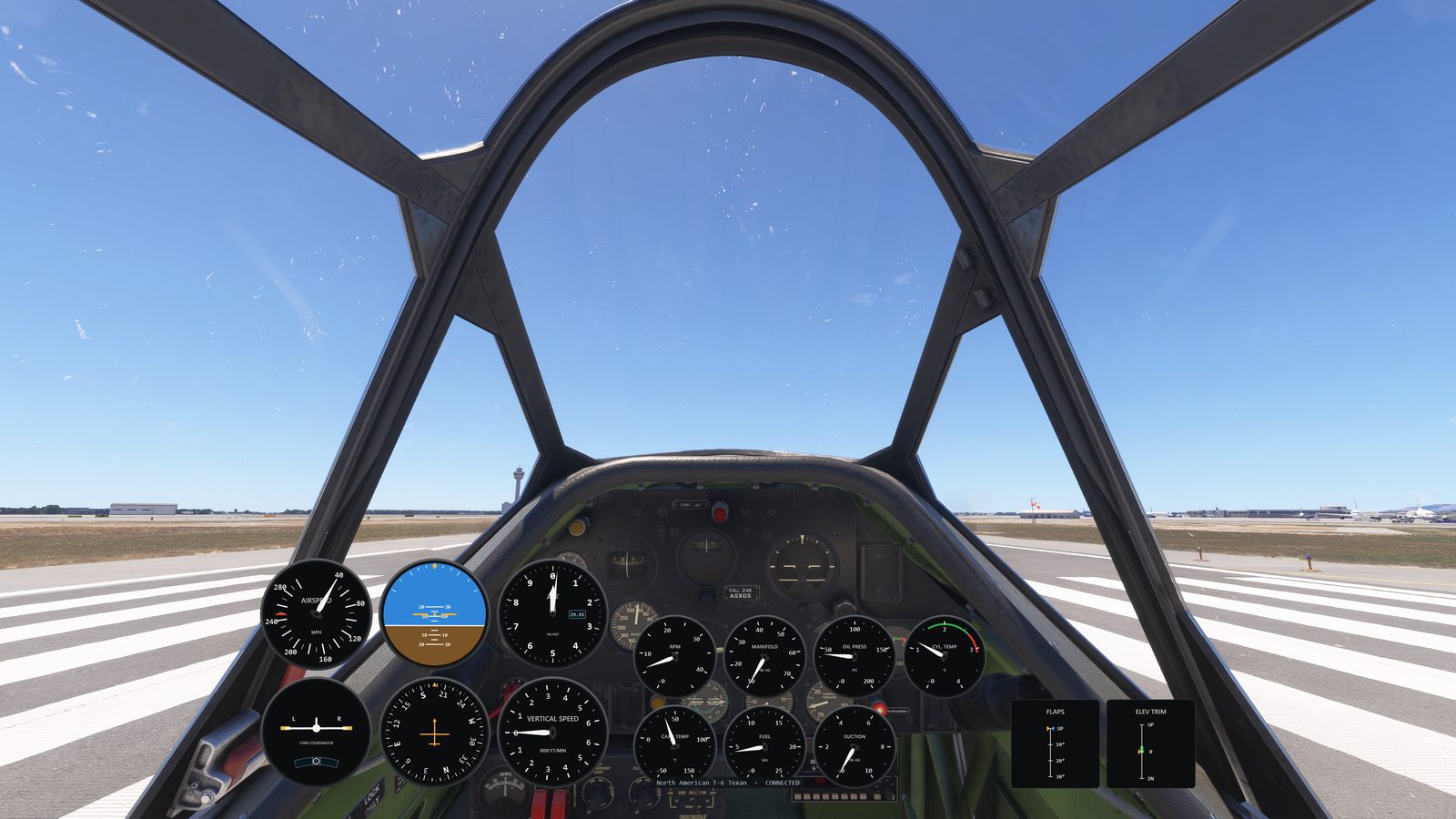
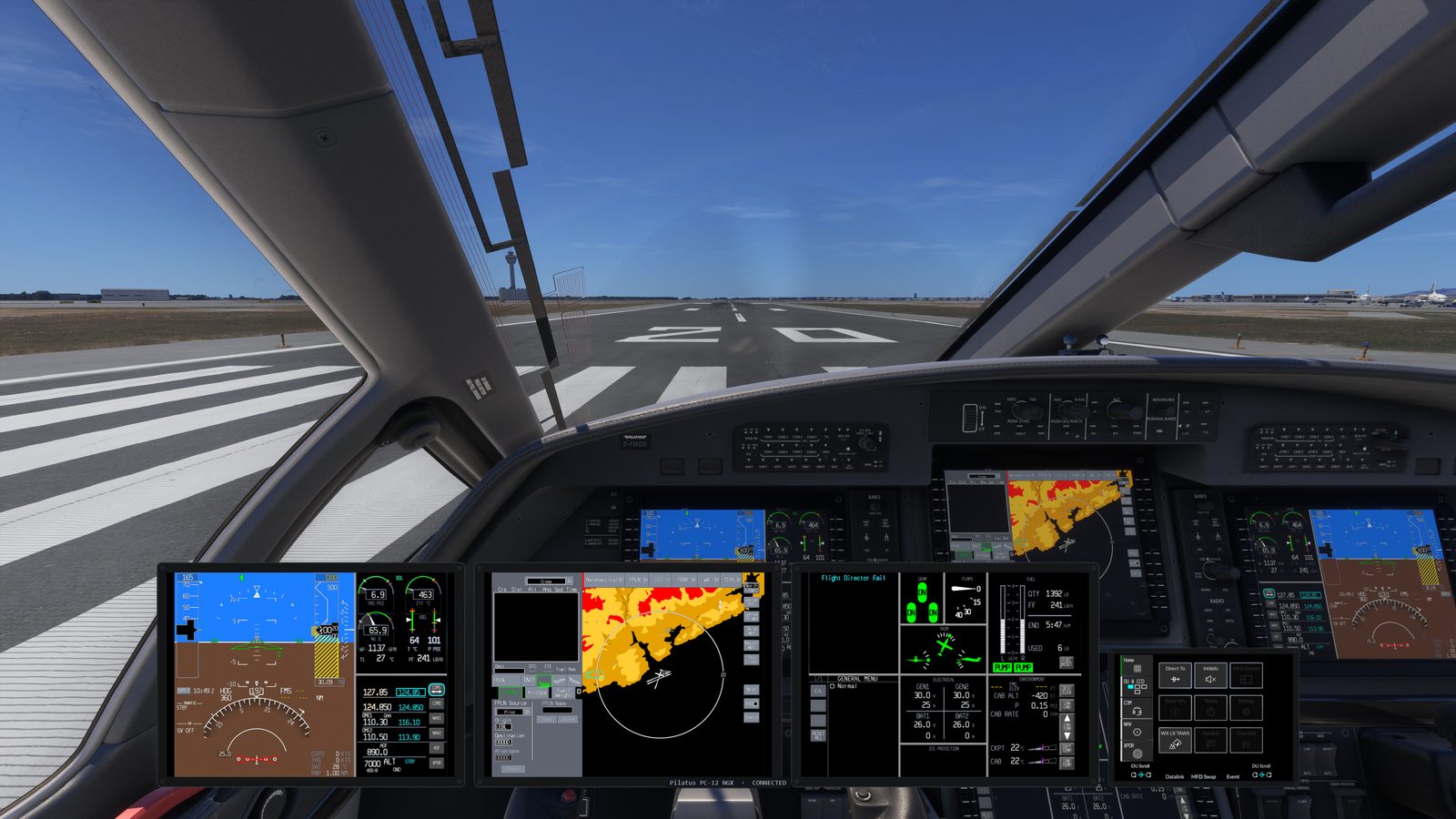
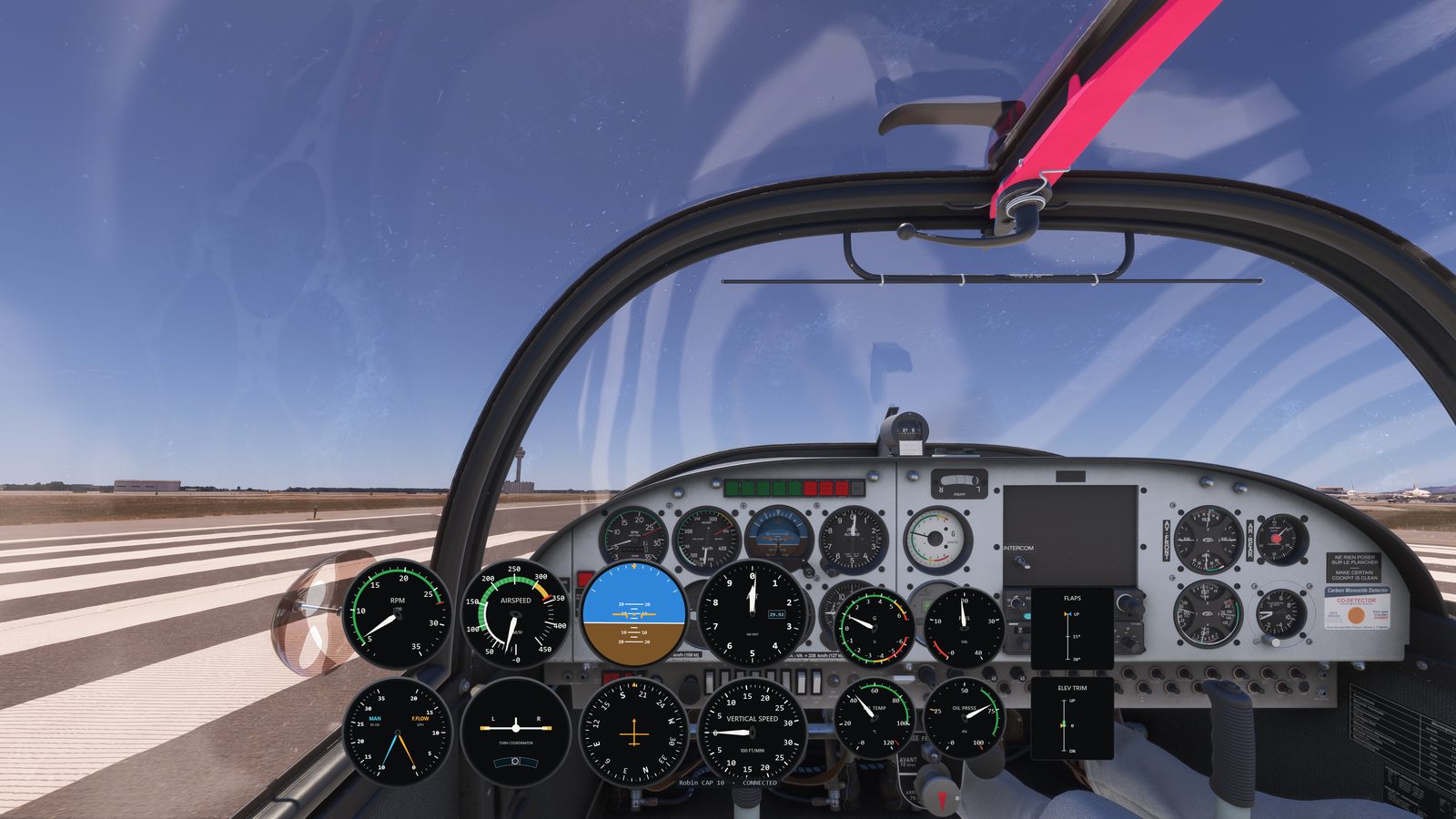
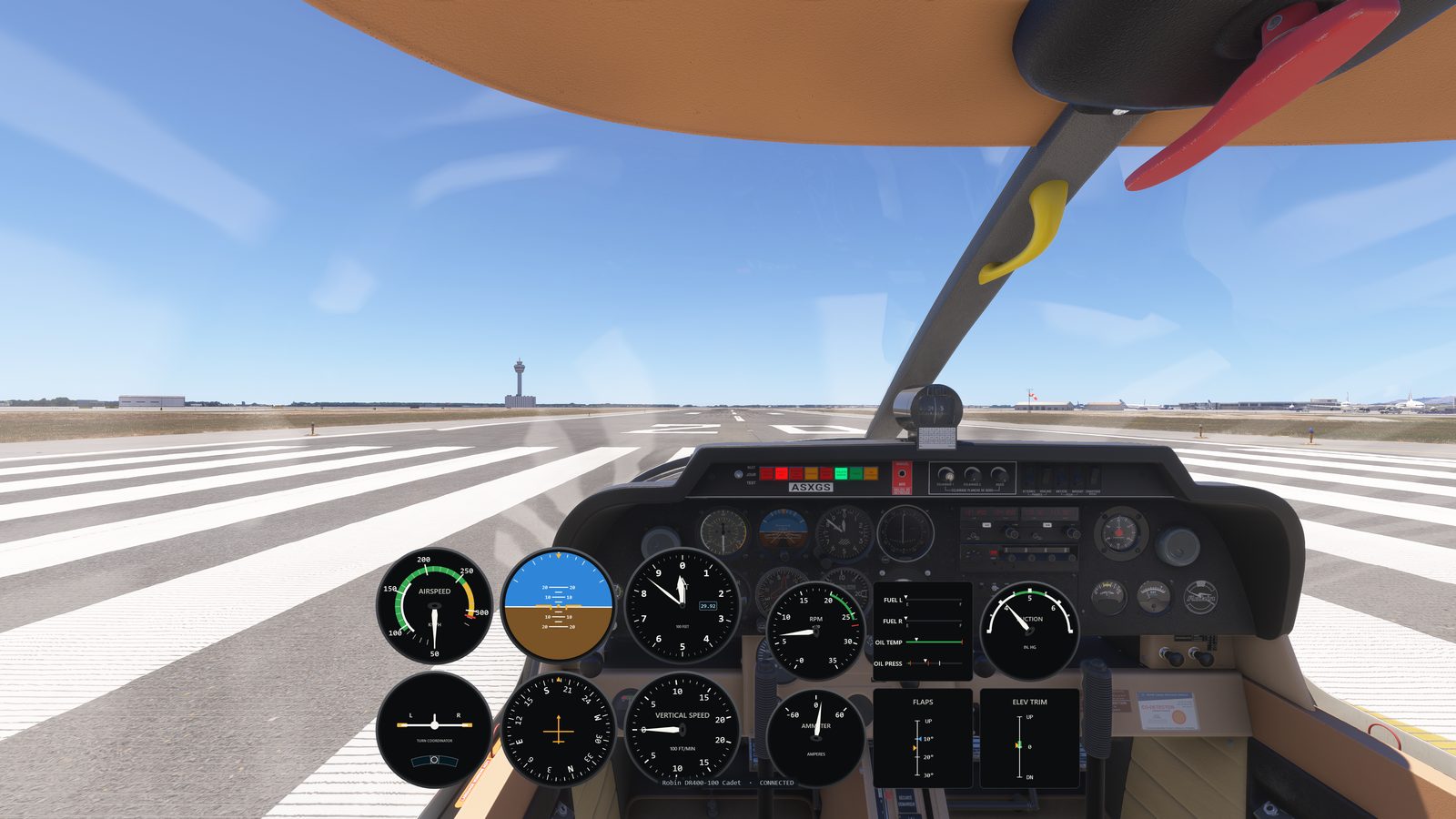
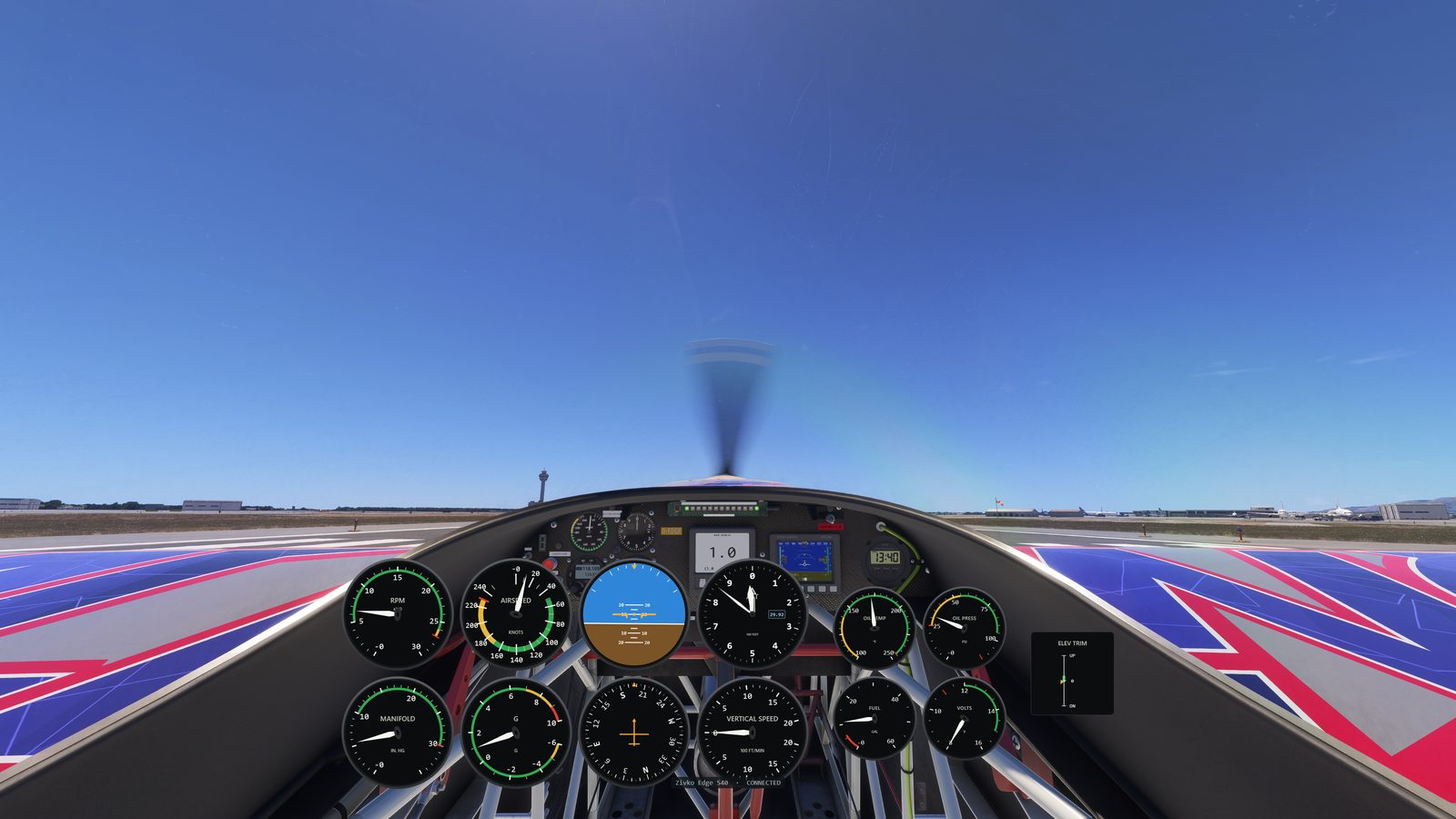
Connect a monitor and start PanelSight: the screen fills edge-to-edge with your aircraft's panel, framed in a drawn bezel. By default it shows the PFD (or the analog six-pack on planes without glass). In Settings you choose what each monitor shows (PFD, MFD, six-pack, or on-screen tabs you tap to switch panels mid-flight), and PanelSight remembers your choice. It follows your aircraft automatically, supports several monitors at once, and touchscreens work like the real thing: turn knobs, press buttons, scroll lists and maps with a finger. Secondary screens are included in the free trial and with a license; the free Cessna 172 tier is the on-sim overlay only.
Will it hurt my frame rate? +
It's designed to be light. PanelSight doesn't change how the sim draws its picture, and it adds nothing to the sim itself. Its panels are ordinary windows on your desktop, so your GPU treats them like any other window.
Do I still need a pop-out manager? +
No.
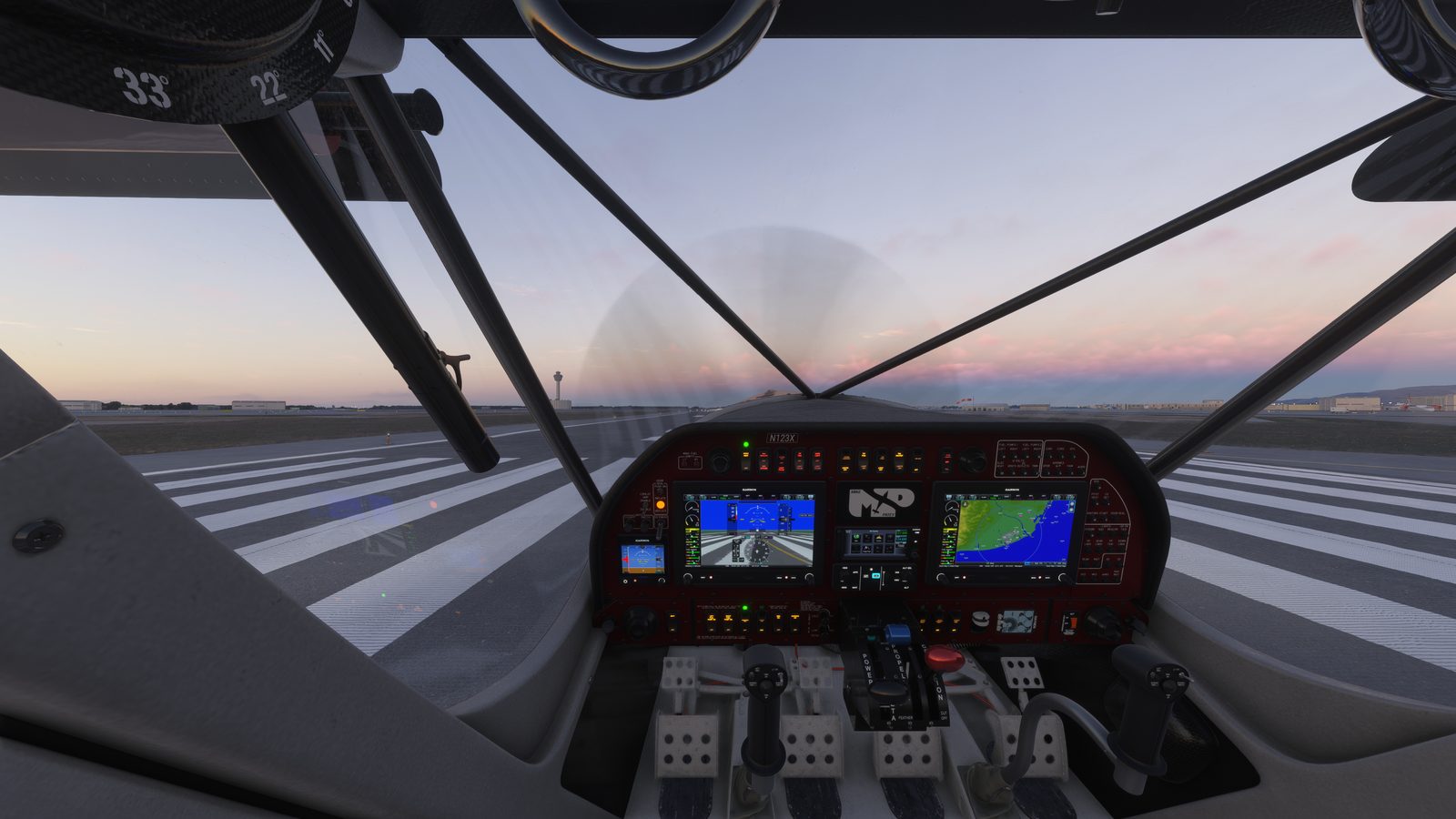
That workflow is exactly what PanelSight replaces. For glass aircraft it pops out the sim's own displays and positions them on your panels for you, automatically. No Alt-clicking screens, no dragging windows into place, no third-party pop-out tools.
Does it modify the sim? Is it safe to stream? +
PanelSight talks to MSFS through the official SimConnect interface, the same way the sim's own tools do, and runs as a regular always-on-top window. No code injection, no renderer hooks, no sim files touched. PanelSight's panels are regular windows on your screens, so they show up in streams and recordings like anything else.
Which aircraft are supported? +
28 aircraft today, across
analog and glass, from the C152, DC-3 and DHC-2 Beaver to the TBM 930, Vision Jet, King Air 350i, PC-12 and more, all recognized automatically. The library keeps expanding, and glass aircraft are driven straight from the sim's own displays.
Is any of it free? +
Yes. You get a free 7-day trial of the complete product: every aircraft and every feature, no payment details needed. After the trial, the Cessna 172 overlay stays free forever, with no license. Every other aircraft needs a one-time license, and advanced features such as secondary-screen panels are part of that license too, so the free Cessna 172 is the on-sim instrument overlay on its own.
What exactly does a license include? +
Everything PanelSight does today, for a single one-time payment: every supported general-aviation aircraft (the full list above, plus the new GA planes we keep adding) and advanced features such as secondary-screen panels, on one PC. General aviation means the small planes: trainers, bush planes, aerobatic planes, turboprops and light jets. If PanelSight later grows beyond that, into airliners, helicopters, or major new features, those may be offered as separate add-ons.
Do I have to set anything up? +
No. That's the whole idea. PanelSight detects your aircraft and replicates the panel automatically, with nothing to assemble or configure. Building and customizing your own panels is on the roadmap for when you want to go further.
How do I get it? +
Download PanelSight for Windows from the button above (or the
download page) and install it. You get a free 7-day trial of everything; after that, the Cessna 172 overlay stays free, and a one-time license unlocks every other general-aviation aircraft, plus advanced features like secondary screens.
Windows says it "protected your PC". Is that safe? +
Yes. Because PanelSight is new, Windows may show a blue "Windows protected your PC" message (Microsoft Defender SmartScreen) the first time you run the installer. It's a caution about unfamiliar software, not a sign that anything is wrong. Click More info, then Run anyway to continue. As more people install PanelSight, the message stops appearing on its own.
Where can I get help or stay updated? +